
A lot of clubs start as six or eight people who already play, plus a group chat that slowly becomes an admin job. That's fine for a month.
Then the same questions come every week, and they all come to you: what time is it on, is there space, and has everyone paid.
What you actually need
- A venue you can book, even one court.
- A regular slot, even if it's only every two weeks at first.
- A cap on numbers, so "is there space" has an answer.
- A way to pay that isn't "send me a fiver sometime".
- One link people can join with, instead of you adding them by hand.
That's a club. It doesn't have to look like a league.
The first month
Week one: post a session and tell the regulars
- Post one session with a time, a price and a cap. Cap it at the courts you have: four players a court, plus a couple sitting out if you want a rotation.
- Pick when bookings open. They stay open right up to the session.
- Message the five to ten people who play every week directly, with the invite link. A link dropped into a busy group chat gets buried.
Anyone who turns up on the night without booking can still be added.
After the first night: record it
- In the History tab, tap Record Results.
- Mark who came, then enter the scores.
- Add a comment and photos, check it over, and tap Save Session.
The night and its photos stay together in your club's History, instead of scrolling away in the group chat. If you ran the night on the Live Mixer, saving it at the end does this for you.
Week four: fix the night around whoever keeps coming
Look at who came three times. Those are your members. Ask them which night suits, and make that the fixture.
Do this in ClubPad
Creating the club is free. There are six screens, in this order:
- A club name and web address, and a logo if you have one.
- Your country, and the time zone you play in.
- Your venue, with its address.
- How members pay you (Revolut, cash or bank transfer), and whether unpaid bookings are cancelled after a deadline.
- Whether you approve new members yourself, or let them join instantly.
- Your house rules. Four come pre-written, so you can leave them as they are.
At the end you get an invite link to send out. Members join for free. If you already play with another club, both clubs' sessions show up together on your home screen.
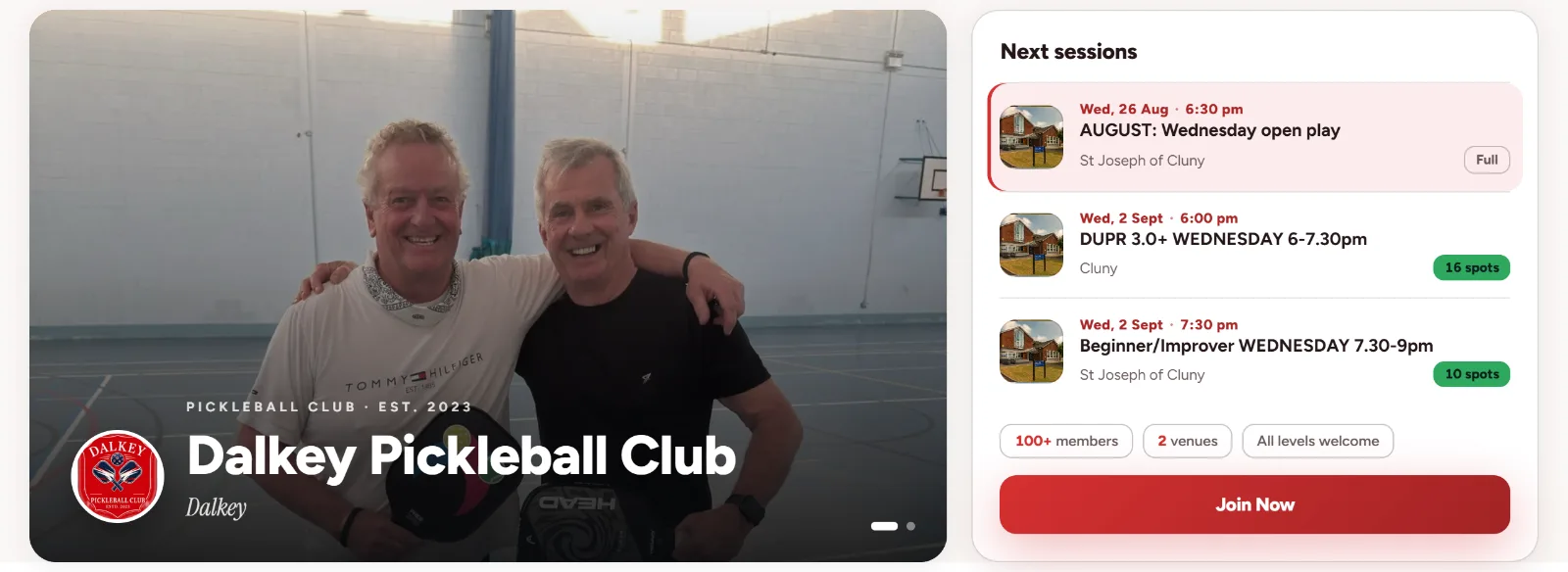
Once the club has five members, counting you, you can publish a public page for it at clubpad.app/clubs/your-name. It shows your upcoming sessions, the venue and what to expect. Anyone still waiting for your approval doesn't count yet.
Nothing goes public until you press Publish, so you can leave the page off while the club is just friends. Publishing is how people find you on Google. They still join through your invite link.
Club Plus is there later if you want your own colour, unlimited mixer nights or the Mini-tournament format. You don't need it to start.